If you’ve opened your iPhone’s settings app and wondered, “what does no sim restrictions mean,” here’s the short answer: your iPhone is unlocked. In practical terms, it is not tied to one carrier and can use compatible sim cards, eSIM profiles, and different sim options from another service provider.
Key Takeaways
- “No SIM restrictions” means your phone is an unlocked phone, not limited by a carrier lock or network provider lock.
- This does not guarantee every sim will work. The device must still be compatible with the carrier’s network, bands, LTE, 5G, and active service.
- To check: Settings → General → About → Carrier Lock or Network Provider Lock → “No SIM restrictions.”
- Unlocked phones offer more freedom when switching carriers, international travel, and resale.
- If your iPhone says no sim restrictions, you can bring it to Vouch Mobile plans and choose a plan on AT&T’s 5G network, powered by Reach Mobile.
What Does “No SIM Restrictions” Actually Mean?
No sim restrictions mean your iPhone is not locked to a specific carrier, allowing users to switch between different mobile networks freely. In the iphone’s settings, the Carrier Lock line shows Apple recognizes the unlock status as open.
SIM restrictions are limits that keep a phone on a single carrier until that carrier approves an unlock. “No SIM” means no sim card is inserted; “No SIM restrictions” means unlocked. This wording appeared around the iOS 14 era, but locked versus unlocked iphones has existed much longer.
It also does not mean the phone was jailbroken or changed by a security service. It simply means the device shows an approved unlock status.
SIM Restrictions vs. Carrier Lock: What’s the Difference?
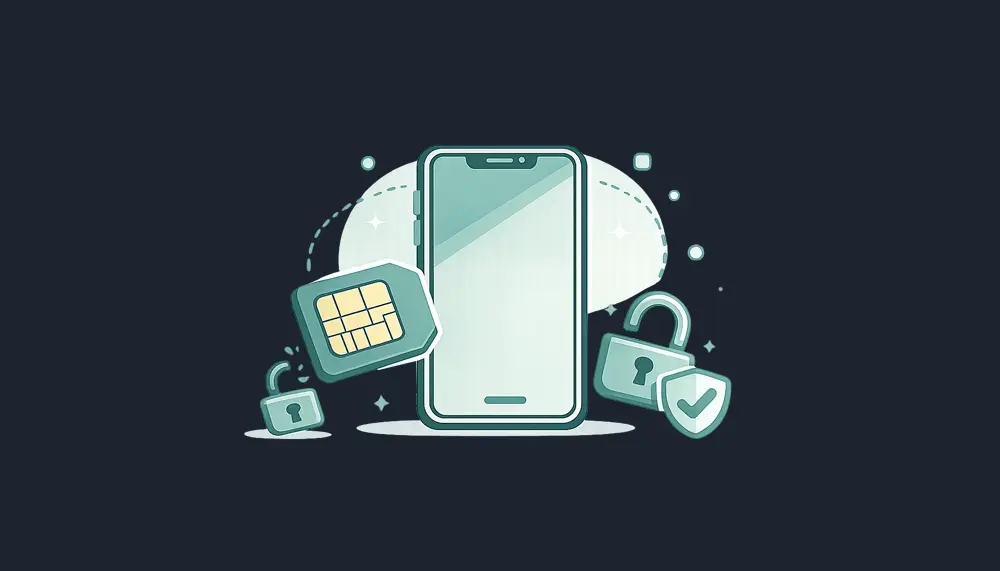
SIM restrictions and carrier lock describe the same basic issue: whether your phone can use different sim cards from a different carrier.
- sim restrictions / carrier-locked: works with one carrier or single provider until unlocked.
- No SIM restrictions / unlocked: accepts compatible physical sim cards or eSIMs from most carriers.
Carriers like AT&T, T-Mobile, and verizon may lock a new phone bought with financing or a discount. A phone bought directly from Apple or at full price is more likely to be free from a single carrier lock, but always verify.
Vouch Mobile bring-your-own-device service needs an unlocked device so you can switch providers, keep your number, and move to a lower-cost plan.
How to Check SIM Restrictions Status on Your iPhone
Checking sim restrictions status takes less than a minute.
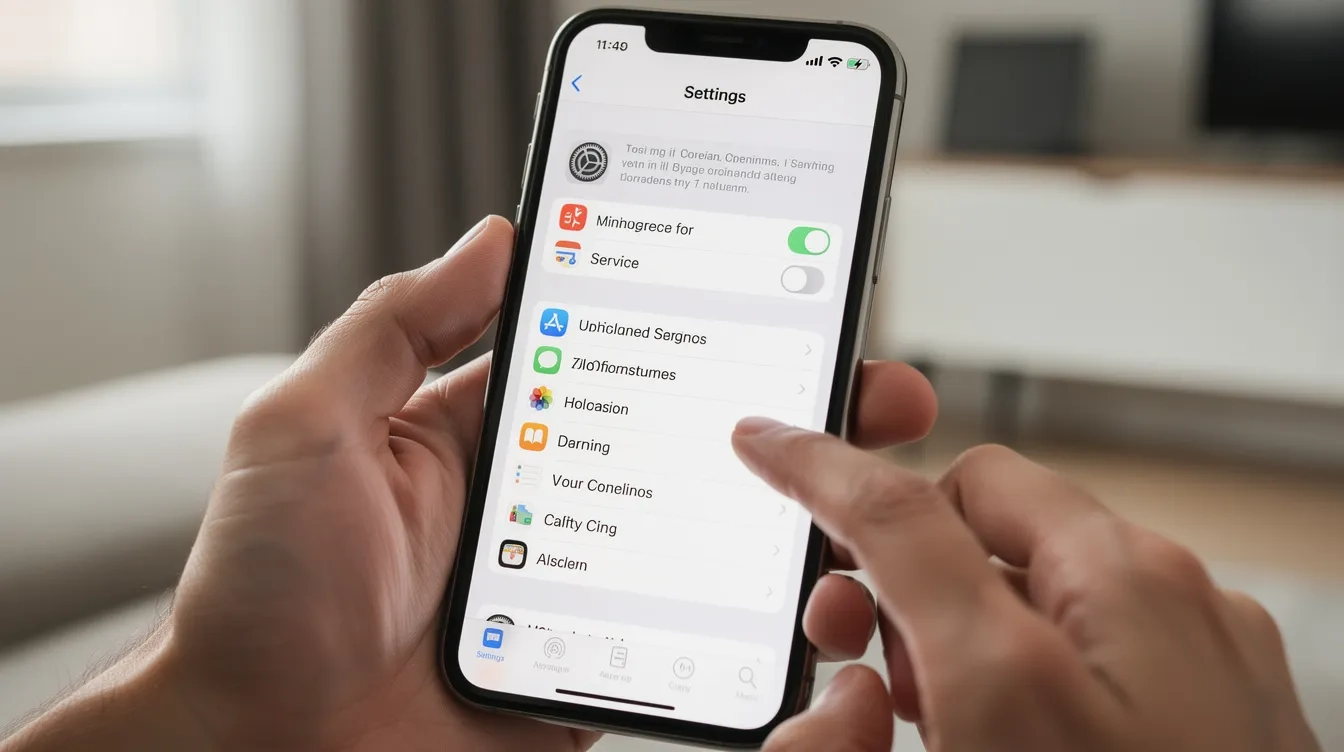
- Open Settings.
- Tap General.
- Tap About.
- Find Carrier Lock or Network Provider Lock.
- If it says “No SIM restrictions,” your iPhone is unlocked.
To check if your iPhone has SIM restrictions, go to Settings, tap on General, then select About, and look for the Carrier Lock section. If your phone does not show ‘No SIM restrictions,’ it indicates that the device is locked to a specific carrier, limiting its compatibility with other SIM cards.
If it says sim locked, a carrier name, or your iphone is locked, try another carrier’s physical sim card. “SIM Not Supported” or “SIM card not valid” usually means a locked iphone. Take a screenshot before selling, calling support, or switching networks.
For Android, review the network lock status in Settings > Connections or Network & Internet.
What Does “No SIM Restrictions” Mean in Practice?
In practical terms, an unlocked phone lets you use different plans, install an esim plan, or insert a physical sim when changing provider. eSIMs are digital SIM cards that allow users to activate a mobile plan without needing a physical SIM card, providing greater flexibility and convenience.
Hardware compatibility is essential for using a SIM card from a different network; the phone must support network bands and frequencies. Active service is necessary; a SIM card from another network will only work if it has a valid data plan.
An iPhone 13 could use AT&T in the U.S., then a local sim in Mexico or Europe if local networks support the model. Problems like no coverage, damaged sim cards, inactive account, or APN settings are separate from restrictions mean.
Benefits of Having No SIM Restrictions
There are several advantages.
- Freedom: Unlocked phones allow users to switch carriers easily, providing flexibility to choose plans based on coverage and pricing preferences.
- Savings: You can switch to a new provider when your mobile data needs change.
- Travel: Unlocked phones provide the ability to use local SIM cards while traveling, which can help avoid high roaming charges and reduce mobile costs.
- Resale: Using an unlocked phone can lead to higher resale value, as these devices are more appealing to a broader range of buyers.
Devices with no SIM restrictions typically have a higher resale value compared to locked devices, as they appeal to a broader range of buyers. They also give families more flexibility to pass one device to someone using a cheaper carrier.
With Vouch Mobile, an unlocked iPhone can move to contract-free wireless on AT&T’s 5G network, powered by Reach Mobile, with no credit check.
What If Your iPhone Shows SIM Restrictions or Is Locked?
If your iPhone does not show “No SIM restrictions,” your current carrier likely still controls the unlock. Carriers lock phones to protect device financing, unpaid balances, or promotion terms.
If your phone is locked to a specific carrier, you will need to meet certain conditions, such as not having any unpaid bills, before you can request an unlock. Most carriers have specific policies for unlocking phones, which often require the device to be on the network for a certain period before it can be unlocked.
Do not buy a new plan before checking. A locked phone usually cannot fully activate on Vouch Mobile or another MVNO until the original carrier unlocks it. Avoid unofficial unlocking tools for security and warranty reasons.
How to Unlock a Locked iPhone (Step-by-Step)
To unlock a locked iPhone, you typically need to contact your carrier and request an unlock, provided you meet their specific criteria, such as having the phone fully paid off and in good standing.
- Find your IMEI in Settings → General → About, or dial *#06#.
- Contact your carrier through its app, portal, or support.
- Submit the unlock request with IMEI and account details.
- Wait for approval, often minutes to days.
- Restart the phone or reset network settings.
Modern iPhones usually do not need an unlock code. The carrier updates Apple’s server-side policy, and the phone settings later show “No SIM restrictions.” Back up your iPhone before resets.
Once the unlock is official, you can bring your number to Vouch and choose a plan.

International Travel Tips for iPhone Users with No SIM Restrictions
Here are quick international travel tips if you travel frequently.
Before international travel:
- Confirm your phone says no sim restrictions.
- Check Apple’s tech specs for bands.
- Update iOS for better eSIM support.
On arrival, buy local sim cards or download a travel eSIM. Local prepaid SIM cards provide a local phone number and generally more reliable coverage. No SIM restrictions enable freedom from expensive international roaming charges by using local SIM cards or eSIMs.
Cost savings can be achieved by using local prepaid SIMs instead of incurring daily roaming charges. Using eSIMs can help avoid high roaming charges by allowing users to connect to local networks while traveling internationally.
Dual SIM capability allows users to keep their primary SIM active while using a local data eSIM for internet access. eSIM technology enables users to manage multiple mobile plans on a single device, making it easier to switch between different carriers or plans as needed. eSIM readiness means a phone might need eSIM hardware to utilize digital travel eSIMs; some older devices may still need a physical SIM.
Flexibility in purchasing local SIMs or eSIMs can enhance travel experiences across multiple countries.
Using a Phone with No SIM Restrictions on Vouch Mobile
Vouch Mobile is an MVNO, which means we rent access through Reach Mobile on AT&T’s 5G network and pass the savings on to you. That helps you stay connected without contracts, credit checks, or hidden-fee complexity.
To switch:
- Confirm Carrier Lock says “No SIM restrictions.”
- Make sure the phone is compatible with AT&T LTE and 5G bands.
- Choose Premium starting at $25/mo with annual billing, or Elite at $35/mo.
- Activate by eSIM in minutes, or request a free physical SIM.
- Port your number during sign-up.
You get unlimited talk and text, hotspot included, and the ability to save $480+ per year versus major-carrier unlimited plans around $65+/mo. With annual billing. Prices include taxes and fees. Available while offer lasts. Powered by Reach Mobile on AT&T’s network.
Ready for more freedom? Visit the Vouch Mobile plans page, check coverage, and choose a plan that fits your data needs.

FAQ: No SIM Restrictions, Locked iPhones, and Switching Carriers
Does “No SIM restrictions” mean I can use any carrier worldwide?
No. It means the phone is not locked, but the iPhone must support that carrier’s LTE or 5G bands. Some older or regional models may not work everywhere.
Can a phone still have connection issues even if it shows “No SIM restrictions”?
Yes. No service, dropped calls, or no data can come from poor coverage, an inactive SIM, damaged sim cards, APN issues, or an outage.
Can a carrier re-lock my iPhone after it shows “No SIM restrictions”?
Usually no, once Apple marks that IMEI unlocked. Keep the carrier confirmation and a screenshot in case you need proof later.
Does “No SIM restrictions” mean my iPhone supports both physical SIM and eSIM?
No. SIM restrictions iphones describe lock status only. Physical sim, eSIM, or dual eSIM support depends on the specific iPhone model and region.
Do I need a phone with no SIM restrictions to switch to Vouch Mobile?
Yes. To bring your own phone to Vouch Mobile, it must be unlocked and compatible with AT&T’s network. If it is locked, unlock it with your current carrier first, then come back and choose a plan.